

Recipes from the apps you already use
Every recipe
you save,
ready to cook.
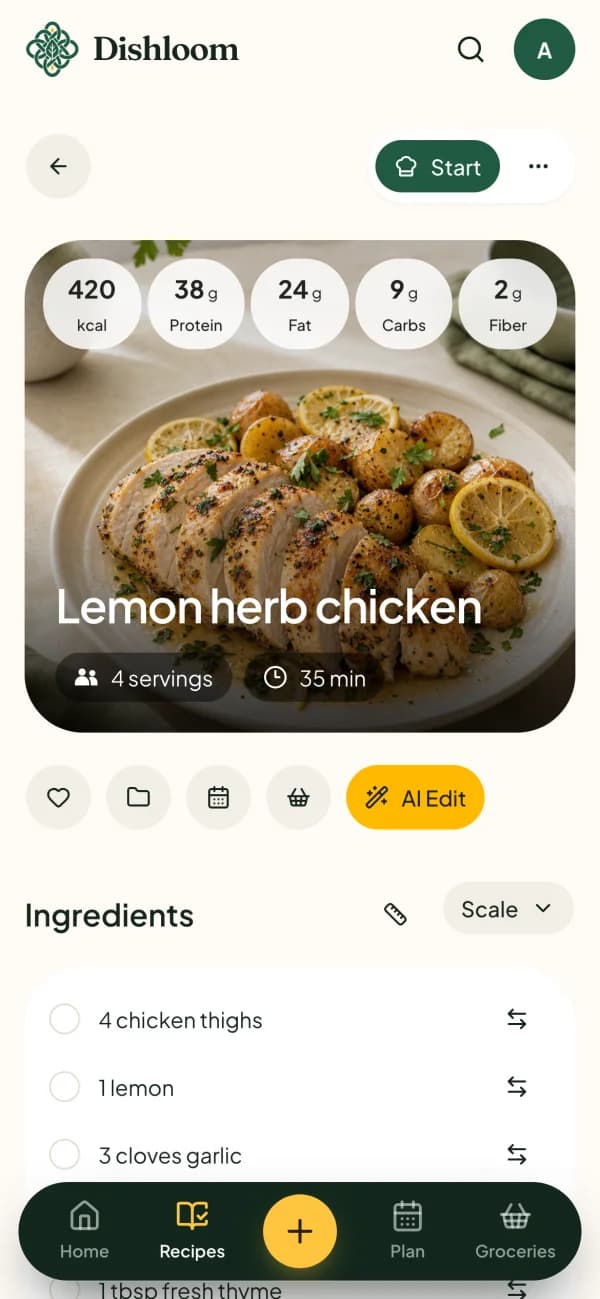
Dishloom turns TikToks, recipe links, screenshots and cookbook pages into clear recipes, then helps you plan the week, shop and cook.
Free to start on iPhone, Android and the web.
Save recipes from
- TikTok
- YouTube
- Any recipe website
How it works
From a saved post to dinner in three steps.
- 1
Save it from anywhere
Share a video to Dishloom on your phone, or paste a link, a photo or a file on the web.
- 2
Get a recipe you can follow
Ingredients, amounts, times and steps come together, with the original source attached.
- 3
Plan, shop and cook
Put it on your week, send it to one grocery list and cook one clear step at a time.
Features
Everything between the save and the plate.
Save from social videos and any website
Share a TikTok, Instagram, YouTube, Pinterest or Facebook post, or paste a recipe link. Dishloom keeps the ingredients and steps and leaves the rest behind.
Photos, cookbooks and files
Snap a cookbook page or a handwritten card, or upload a screenshot, a PDF, an audio note or a video.
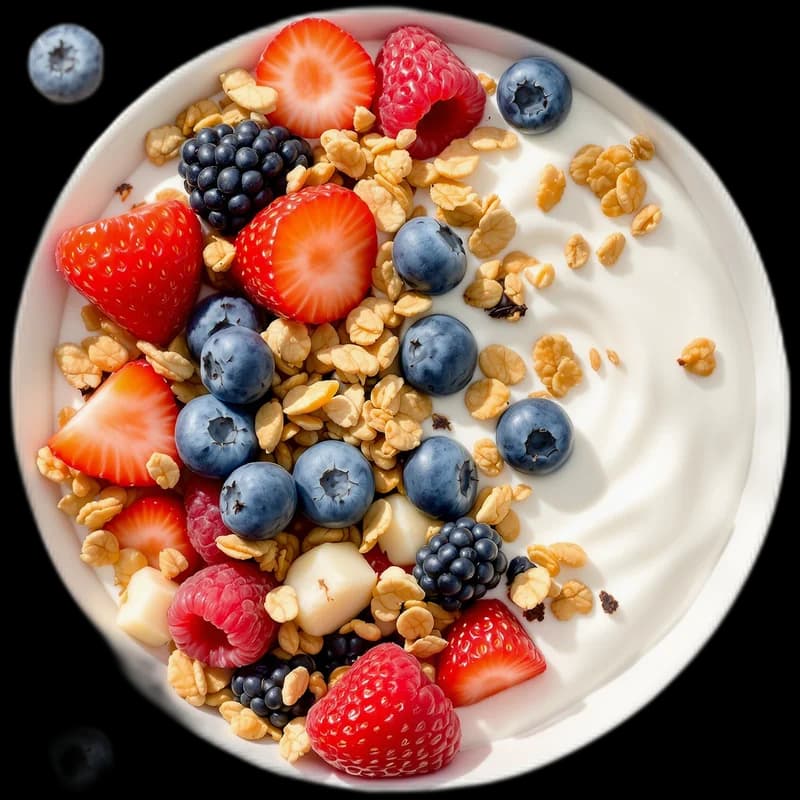
Plan your week
Put recipes on the days you’ll cook them.
One grocery list
Ingredients from your planned meals, in one list.
Cook step by step
One clear step at a time, with timers you start from the recipe.
Make it yours with AI Edit
Scale servings or ask for a change, like a vegetarian or gluten-free version, then review every edit before you save.
Cook together
Share recipes, the meal plan and the grocery list with the people you cook with. It all syncs between your phone and the web.
What is Dishloom?
Dishloom is a recipe app for iPhone, Android and the web. It turns recipes from videos, websites, photos and documents into clear recipes you can edit, then helps you plan meals, build a grocery list and cook step by step.
Where can I save recipes from?
TikTok, Instagram, YouTube, Pinterest and Facebook links, recipe websites, photos and screenshots, cookbook pages, pasted text, documents, and audio or video files. Videos can be up to 5 minutes long.
Is Dishloom free?
Dishloom is free to download and use. The free plan includes 3 recipe imports. Dishloom Plus makes imports unlimited and is available as a subscription in the app and on the web.
Does Dishloom keep the original source?
Yes. The original source stays attached to every imported recipe, so you can always go back to the creator or the website.
Can I change a recipe after saving it?
Yes. Edit the ingredients and steps yourself, scale the servings, or ask AI Edit for a change such as a gluten-free version, then review it before you save.
Can I share recipes with my household?
Yes. Invite the people you cook with to share recipes, meal plans and the grocery list.
Do my recipes sync between my phone and the web?
Yes. Sign in with the same account on iPhone, Android or the web and your recipes, plans and lists are there.
How do I delete my account?
In the app, open More, then Data and privacy. You can also request deletion from the web on the Dishloom data deletion page.
Your next favorite meal is already saved somewhere.
Bring it to Dishloom. Free on iPhone and Android, and right here in your browser.
On your phone


On your computer
Paste links, plan the week and keep your grocery list on a bigger screen. Everything syncs with the app.
Continue on web